✨ AI Video GenNew
Bring your images to life instantly with AI!
✨ AI Video GenNew
Bring your images to life instantly with AI!
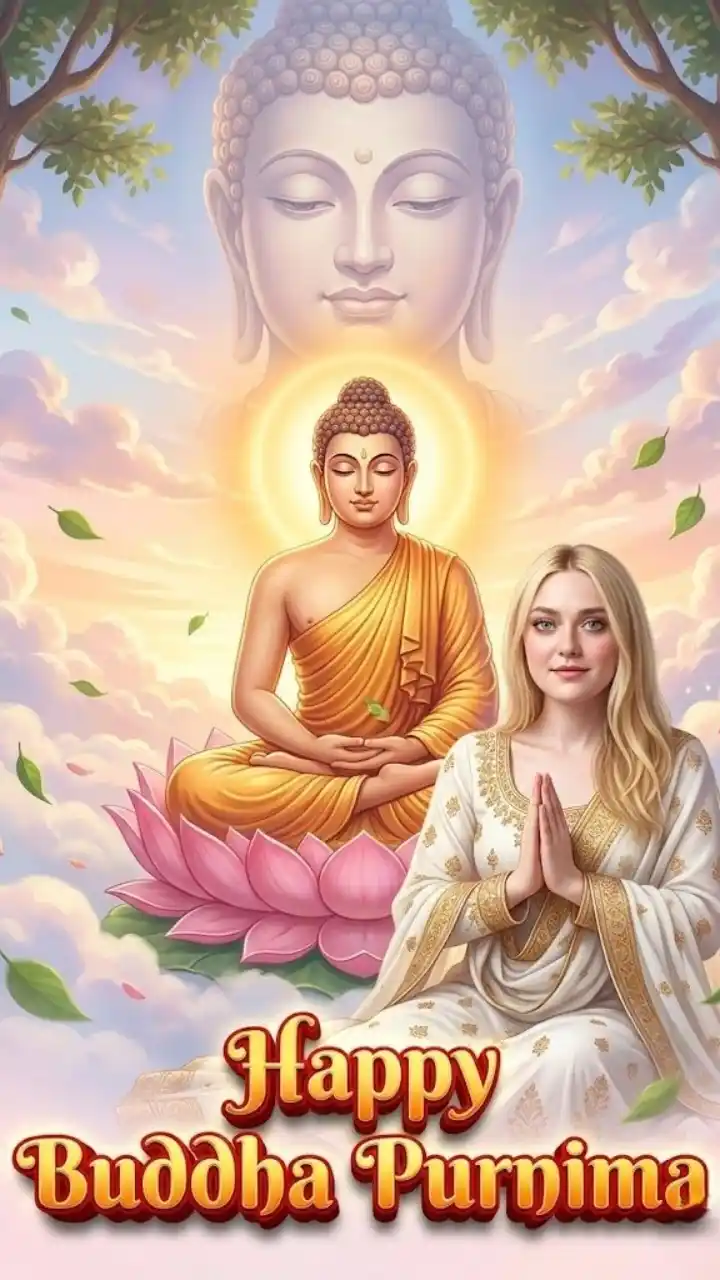
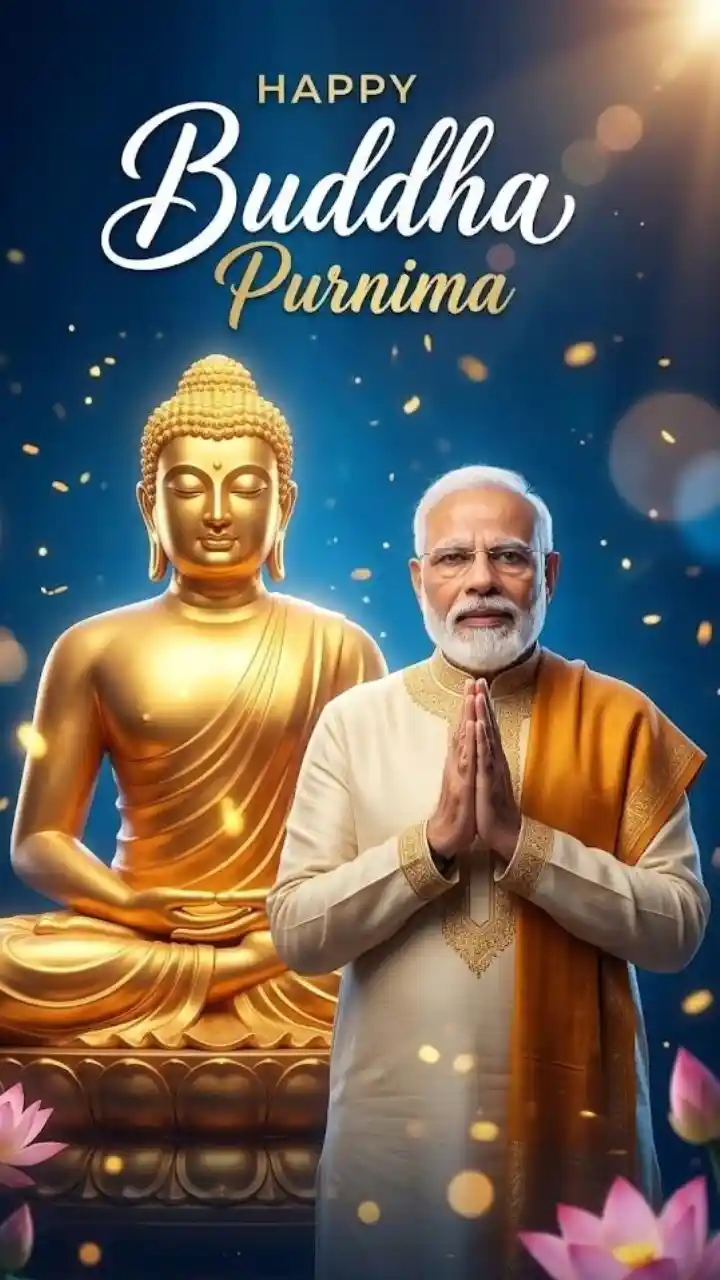
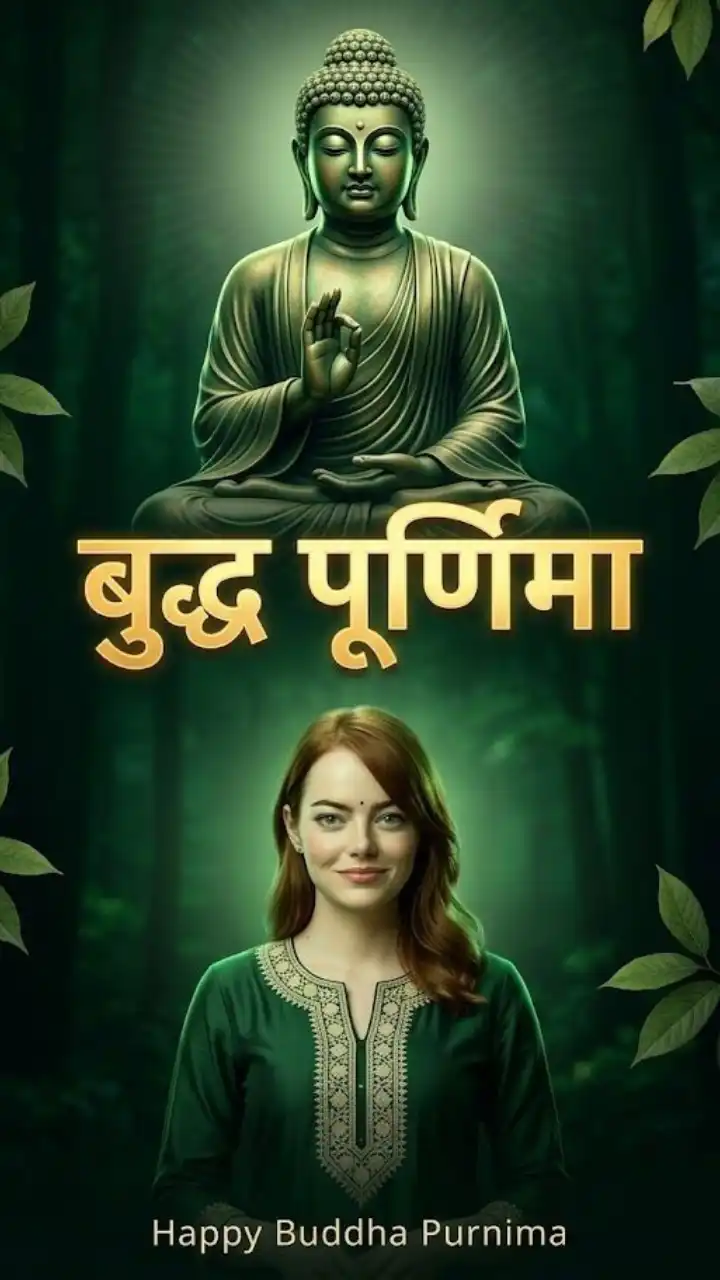
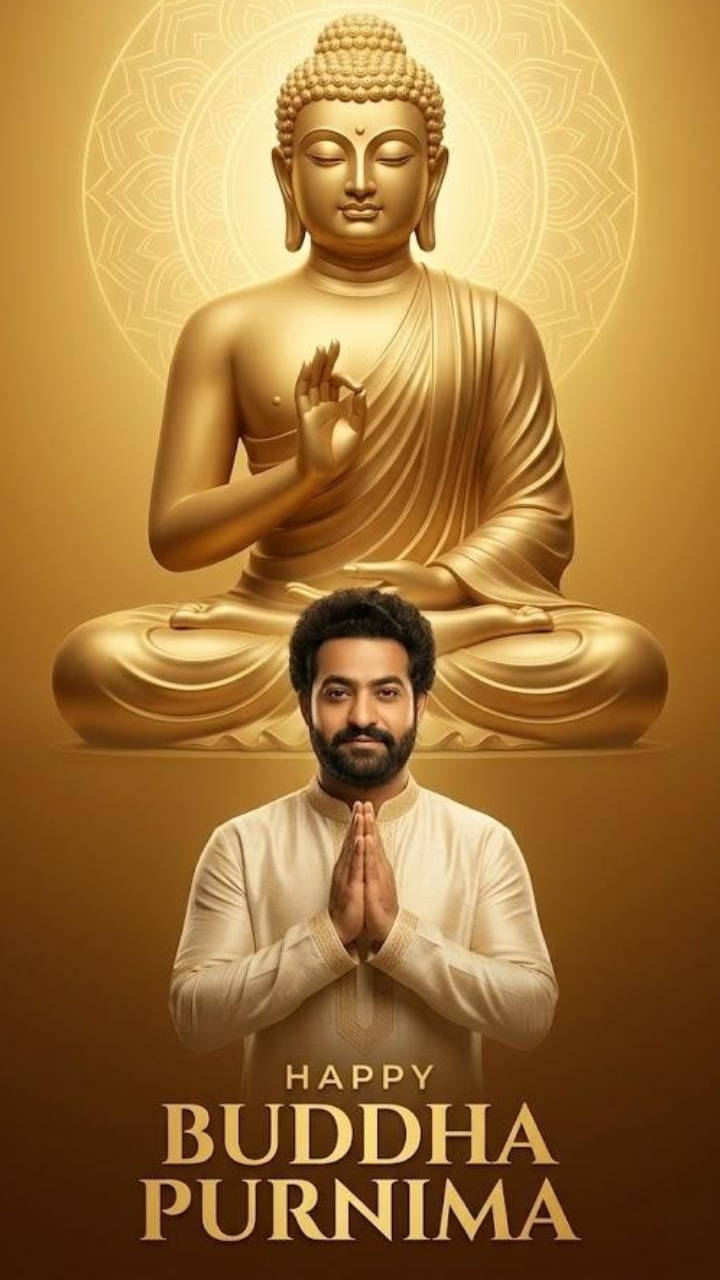
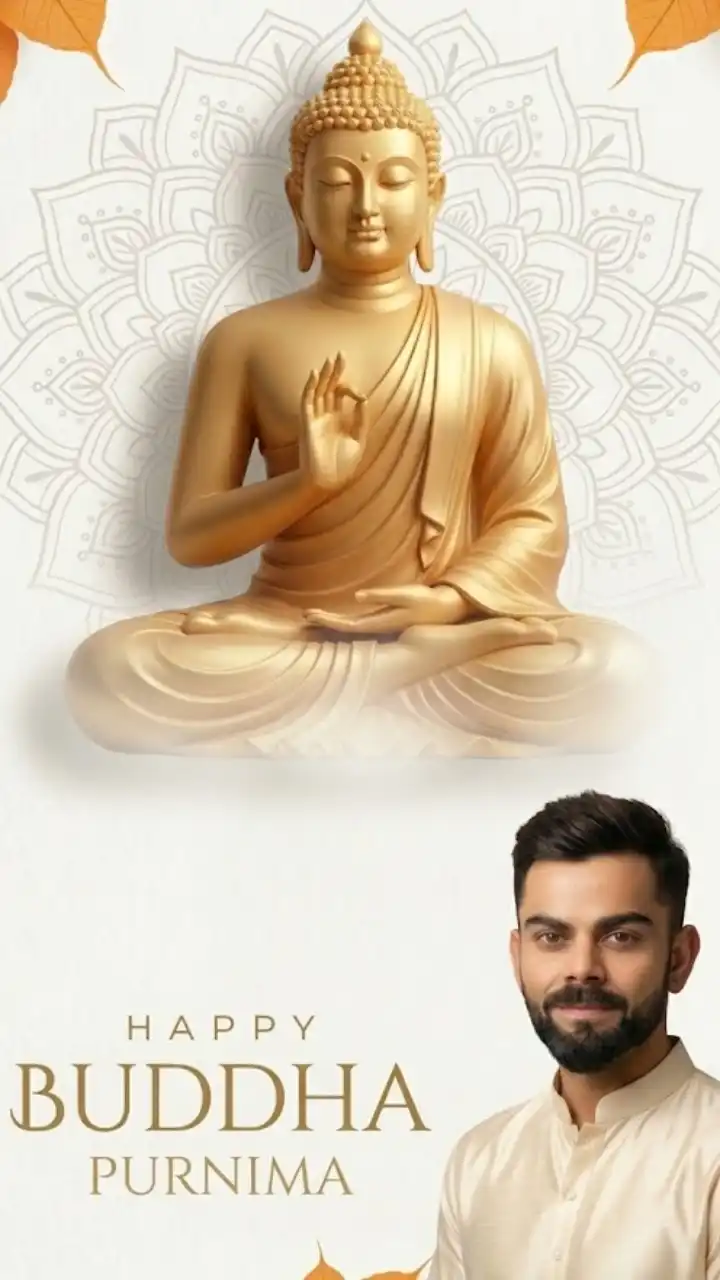
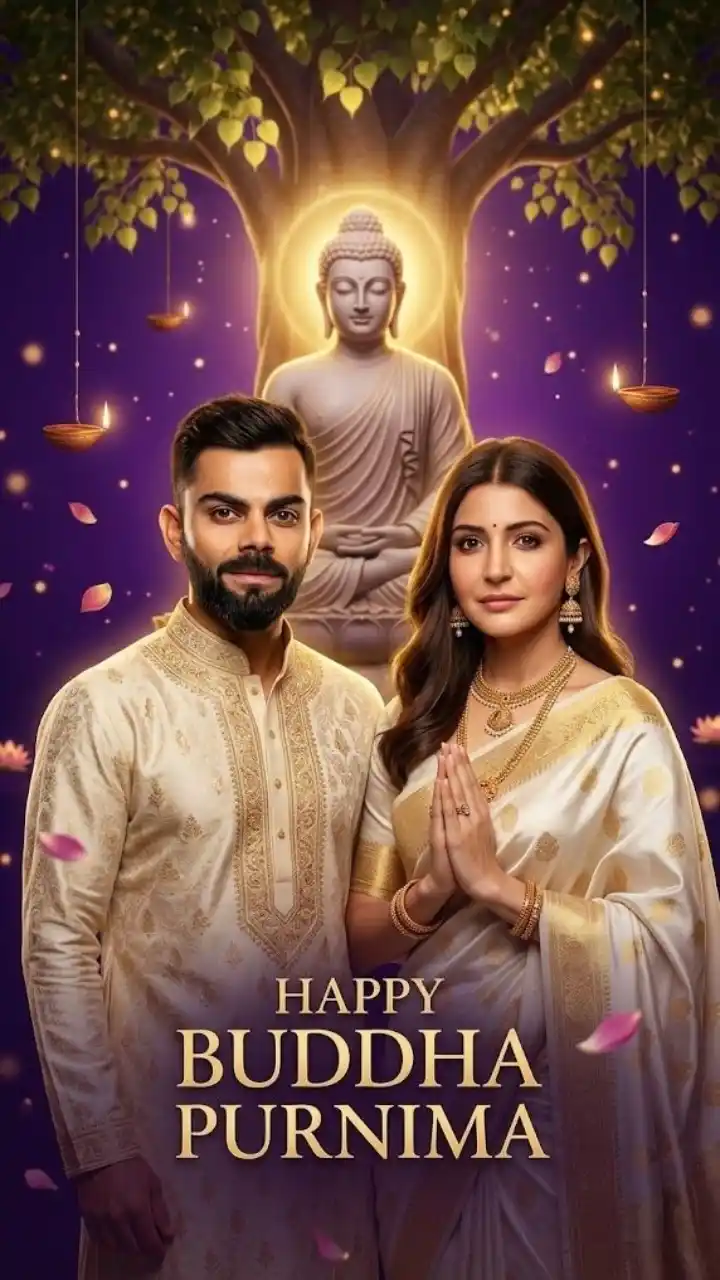
Buddha Purnima Prompt for Google Gemini AI Photo Editing Creating stunning festival visuals has never been easier thanks to AI tools, and combining a buddha purnima prompt with Google Gemini takes creativity to the next level. Whether you want to transform your personal photos or design eye-catching social media content, this powerful combination helps you produce spiritual, cinematic, and emotionally rich images in seconds. Buddha Purnima is a celebration of peace, enlightenment, and wisdom. When you use AI photo editing, you can enhance these themes visually by adding glowing effects, sacred environments, and divine lighting to any image. That’s why creators are actively searching for the perfect buddha purnima prompt tailored for Gemini AI. 🌿 Why Use Google Gemini for Buddha Purnima AI Editing? Google Gemini is quickly becoming a favorite tool for creators because of its advanced AI capabilities and ease of use. When paired with a strong buddha purnima prompt, it allows you to: Transform normal photos into spiritual masterpieces Add realistic lighting, aura, and effects Create festival-ready visuals instantly Produce high-quality edits without design skills This makes it perfect for Instagram creators, designers, and anyone looking to create meaningful content. ✨ Best Buddha Purnima Prompt for Gemini AI Photo Editing Here’s a powerful prompt you can use directly 👇 Prompt: Transform the given photo into a peaceful Buddha Purnima scene. Add a glowing golden aura around the subject, place a sacred Bodhi tree in the background, soft moonlight illuminating the scene, floating lanterns and light particles in the air, calm and spiritual atmosphere, cinematic lighting, ultra-realistic, 4K detail, maintain original facial features, 3:4 aspect ratio. 🎨 Creative Prompt Variations Try these variations of the buddha purnima prompt to get unique results: 🌙 Night Cinematic Edit Edit the photo with a Buddha Purnima night theme, full moon sky, glowing candles, deep shadows, cinematic contrast, peaceful environment. 🌅 Golden Sunrise Edit Add warm sunrise lighting, golden rays falling on the subject, temple background, soft glow, spiritual vibe. 🕊️ Divine Fantasy Edit Transform the image into a divine scene with glowing white aura, floating petals, heavenly light, dreamlike atmosphere. 📸 Minimal Aesthetic Edit Clean and modern Buddha Purnima theme, soft pastel background, subtle glow, focus on subject, Instagram aesthetic. 📱 Where to Use These Edited Images Using a buddha purnima prompt with Gemini AI editing can help you create content for: Instagram posts & reels YouTube thumbnails Festival greeting cards WhatsApp status Personal profile edits Blog visuals These images perform well because they combine emotion + spirituality + visual appeal. 🚀 Tips for Better AI Photo Editing To get the best output from Google Gemini: Use detailed descriptions in your prompt Always mention lighting (moonlight, golden glow) Add spiritual elements (Bodhi tree, temple, aura) Keep facial features natural Experiment with cinematic and realistic styles The more descriptive your buddha purnima prompt, the better your results will be. ❤️ Why This Trend Is Growing The combination of AI and spirituality is becoming extremely popular. A buddha purnima prompt allows creators to: Express culture in a modern way Create meaningful digital art Connect emotionally with their audience With tools like Google Gemini, anyone can now produce high-quality spiritual visuals effortlessly.