✨ AI Video GenNew
Bring your images to life instantly with AI!
✨ AI Video GenNew
Bring your images to life instantly with AI!
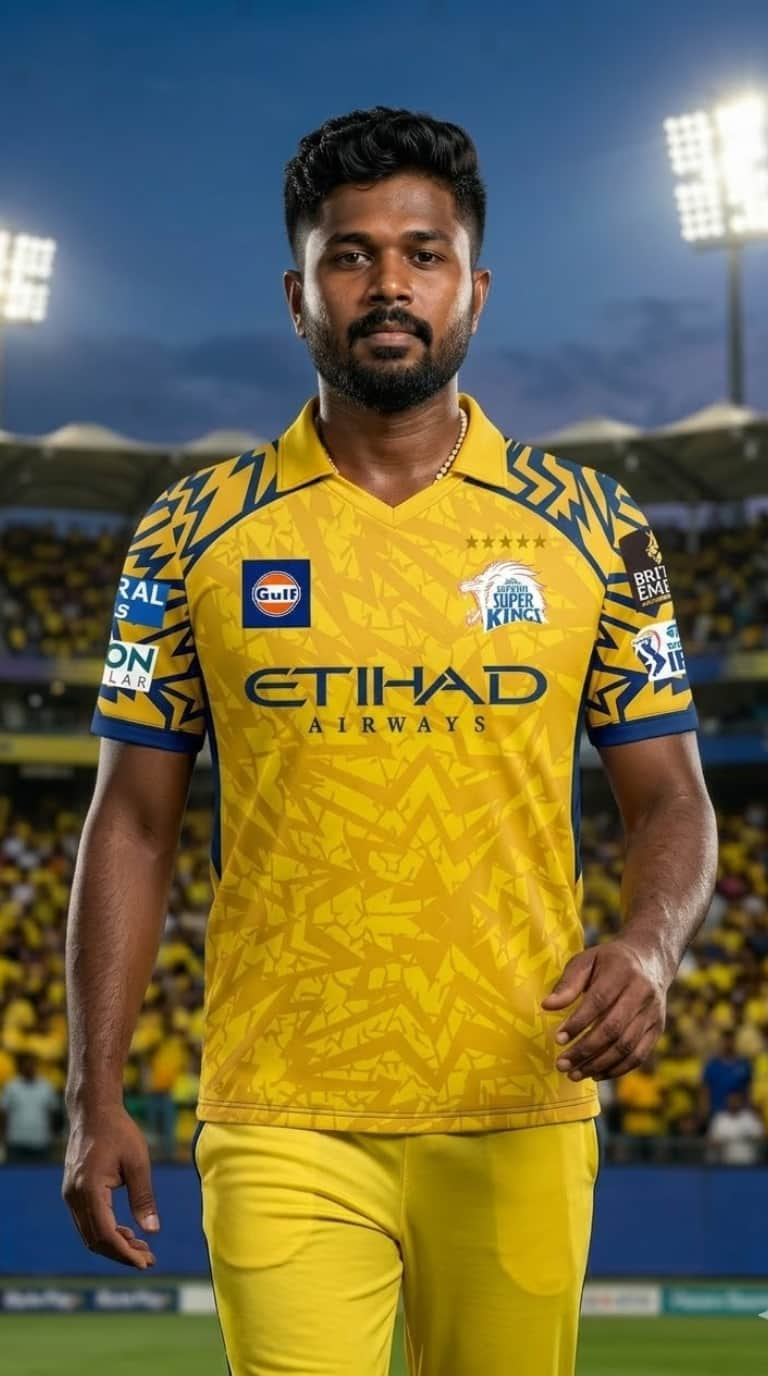
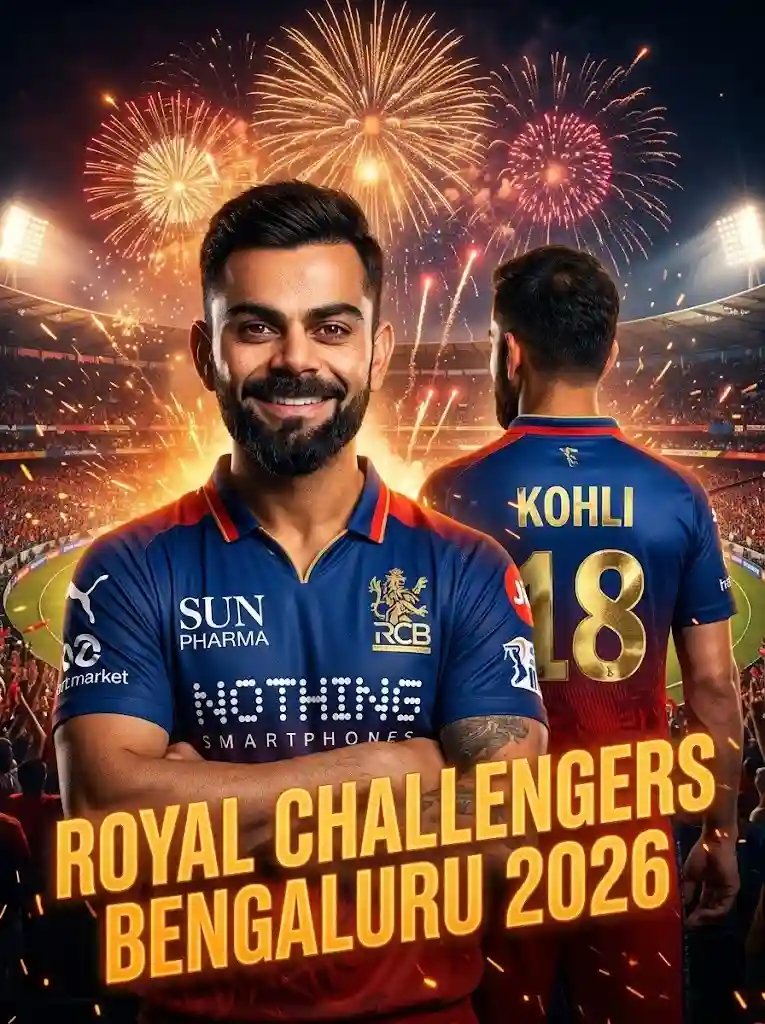
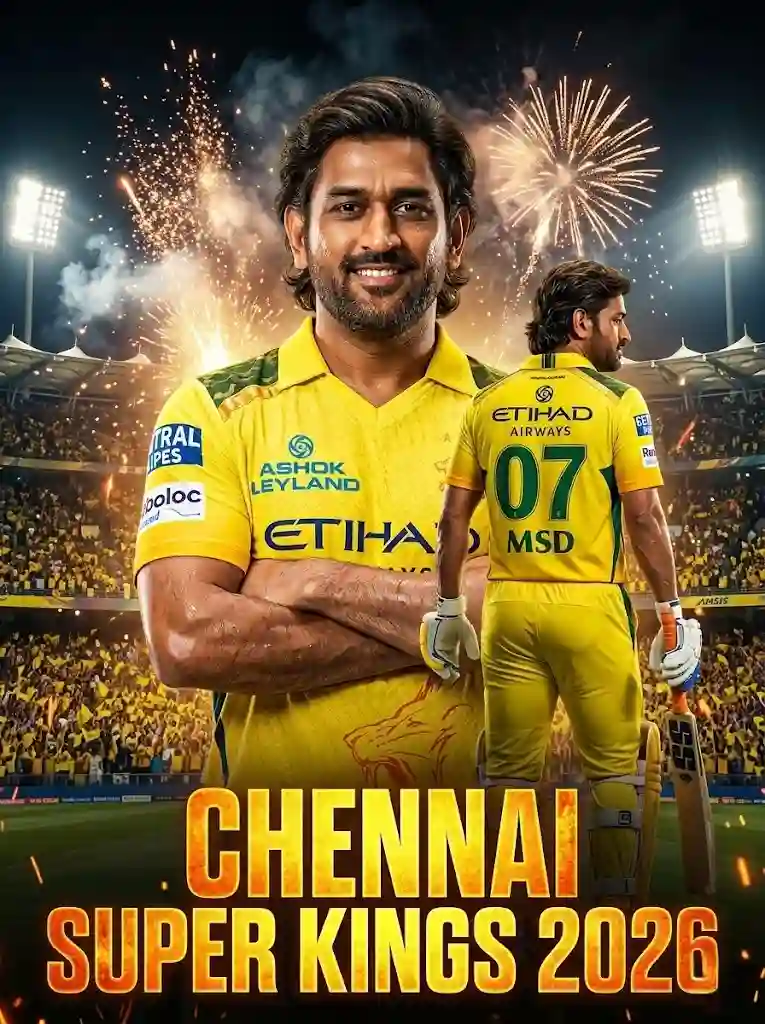
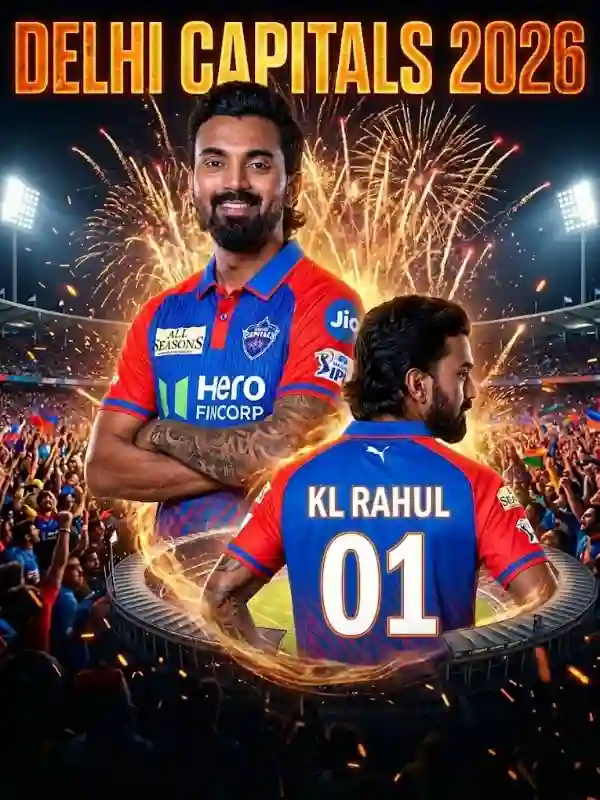
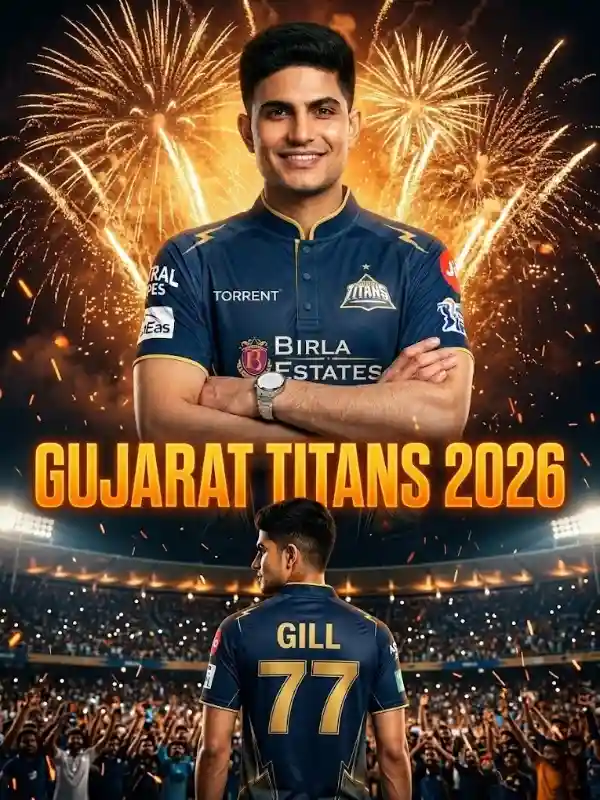
CSK Jersey Face Swap AI Prompt: 8K Realistic Image Guide The IPL season is back, and the social media craze of generating AI cricket avatars is bigger than ever. While basic text-to-image tools like Bing Image Creator are great for generating cartoonish 3D avatars, many die-hard fans want something far more realistic. If you want a photo that genuinely looks like you are walking onto the pitch, you need an advanced CSK jersey face swap AI prompt. By utilizing powerful AI generators that allow image referencing—like Midjourney v6, Stable Diffusion, or dedicated AI jersey swap tools—you can create jaw-dropping, magazine-quality sports photography. Instead of relying solely on text descriptions that generate random faces, advanced AI prompting allows you to upload a photo of your own face and a photo of the official Chennai Super Kings jersey. The AI then perfectly blends your facial structure with the authentic jersey design, placing you directly into the heart of a roaring cricket stadium. In this article, we will share the exact, master-level prompt used by professional digital artists to create undetectable, hyper-realistic IPL edits. Why Use Reference Images for AI Edits? Most standard AI generators struggle to recreate your exact facial features or the precise sponsor logos of official IPL jerseys. When you use a standard text prompt, the AI guesses what you look like. However, when you use a dual-reference workflow (providing both a face reference and a jersey reference), you lock in the crucial details. By applying a targeted CSK jersey face swap AI prompt, you command the AI to maintain your exact facial structure, beard, hairstyle, and expression without any distortion. Simultaneously, it maps the yellow tone, fabric texture, and design of the CSK kit perfectly onto your body. The result is an ultra-realistic 8K image that looks like a professional sports photographer took a picture of you right before an IPL match! The Ultimate CSK Face Swap Master Prompt If you are using an advanced tool like Midjourney, Stable Diffusion, or an AI Face Swap editor, copy and paste the master prompt below. Make sure to attach your two reference images (Image 1 for your face, Image 2 for the jersey) before hitting generate. Copy This Prompt: "Use two reference images. Image 1 = Main face reference (keep exact same face, hairstyle, beard, expression — no facial changes at all). Image 2 = CSK jersey reference (match jersey and yellow tone exactly same; avoid sponsor text if needed). IMPORTANT POSE LOCK: Strong confident walking pose, shoulders slightly forward, arms naturally down and slightly swinging, chest slightly out, head straight facing camera, calm confident expression. Do not change facial structure. Keep natural athletic body proportions. Framing: Mid-shot (waist-up or thigh-up crop). Background: Real cricket stadium, packed crowd, evening match atmosphere, stadium floodlights glowing behind, slight background blur for depth. Add subtle sweat texture on skin for realism. Natural stadium lighting mixed with cinematic rim light. Ultra-realistic 8K RAW sports photography, 85mm lens, shallow depth of field, hyper-detailed jersey texture, HDR lighting, cinematic color grading, sports magazine cover style, powerful match-ready vibe, 8K resolution. in 2:3" Breakdown of the Pro Prompt Elements Why does this specific prompt work so beautifully? Let's break down the secret ingredients that make it undetectable and humanistic: Pose Lock: By explicitly defining the "strong confident walking pose" with shoulders forward and chest out, you prevent the AI from generating awkward or stiff robotic postures. Cinematic Lighting: Terms like "stadium floodlights," "cinematic rim light," and "HDR lighting" ensure your final photo doesn't look flat. It gives you the glowing, heroic look of a Man of the Match. Micro-Textures: Adding a "subtle sweat texture on skin" and requesting "hyper-detailed jersey texture" tricks the human eye into believing the image is a raw, unedited photograph taken with an 85mm camera lens. Tools to Execute This Prompt To get the most out of this prompt, you need an AI tool that supports image-to-image (img2img) generation or face locking. Here are the best platforms to use: Midjourney v6: Use the /blend or /imagine command with your image URLs. Use the --cref (character reference) command for your face and the --sref (style reference) command for the jersey. Stable Diffusion (ControlNet): This is the ultimate tool for exact pose and face locking. You can use the Roope or ReActor extensions for flawless face swapping. Dedicated Jersey Swap AI Sites: Websites like Pixelcut or SwapJersey.com allow you to upload your base photo and simply describe the CSK jersey, while their backend handles the complex AI lighting and fabric adjustments automatically.