Article Overview
In-depth analysis and key takeaways
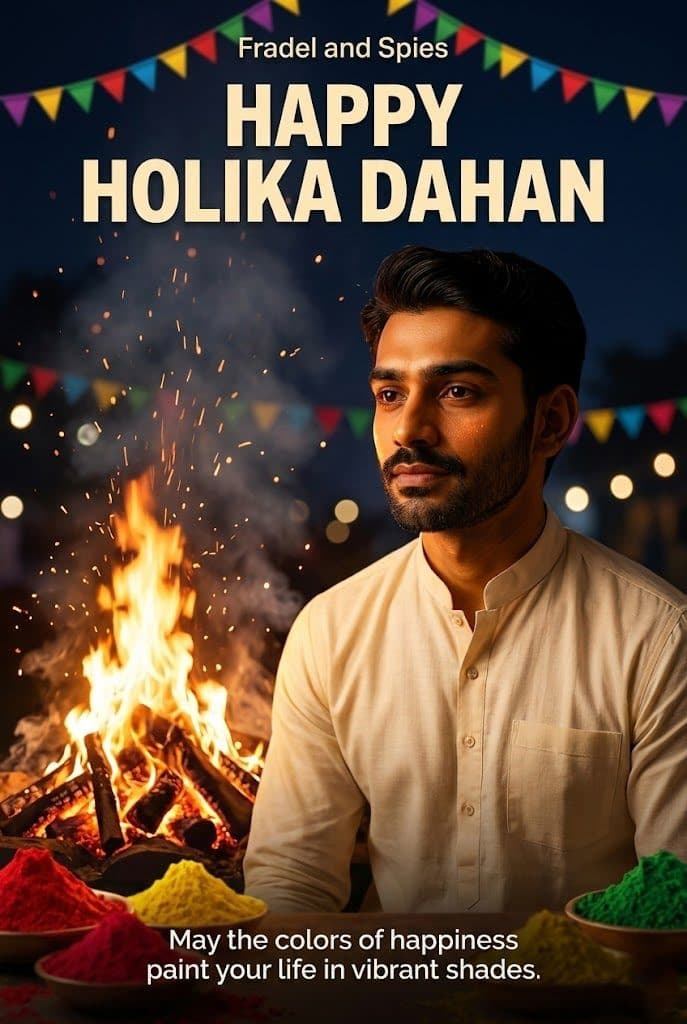
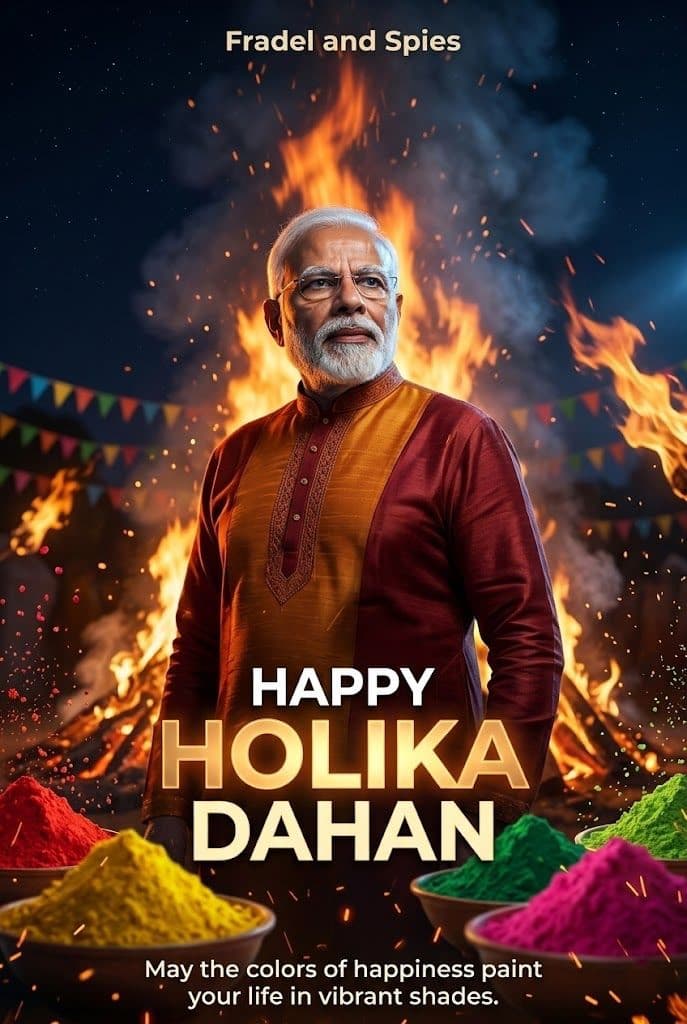
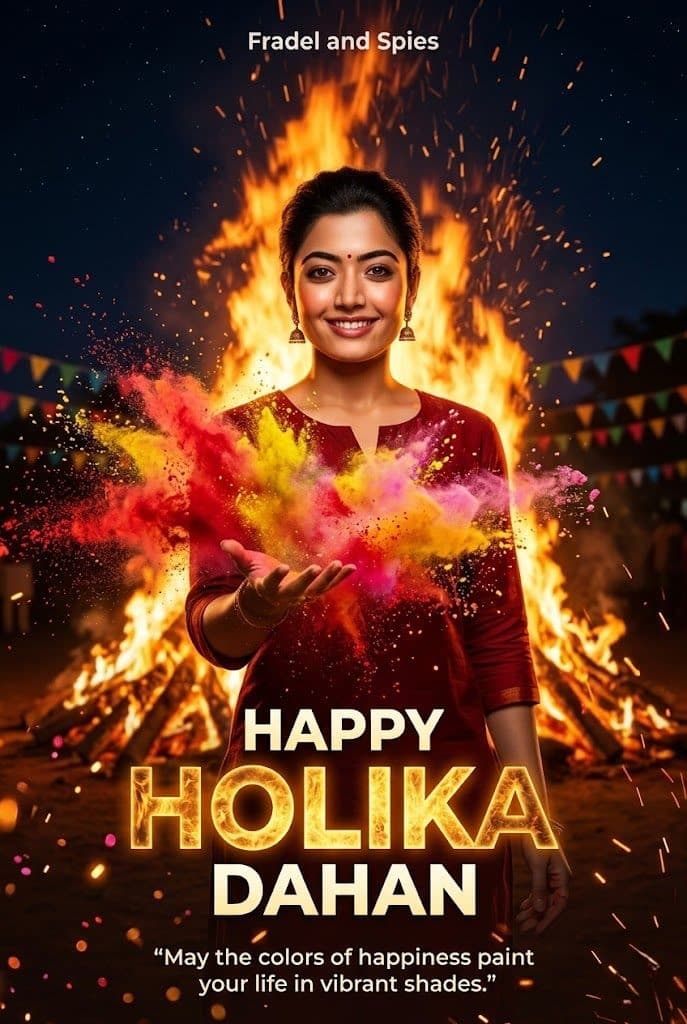
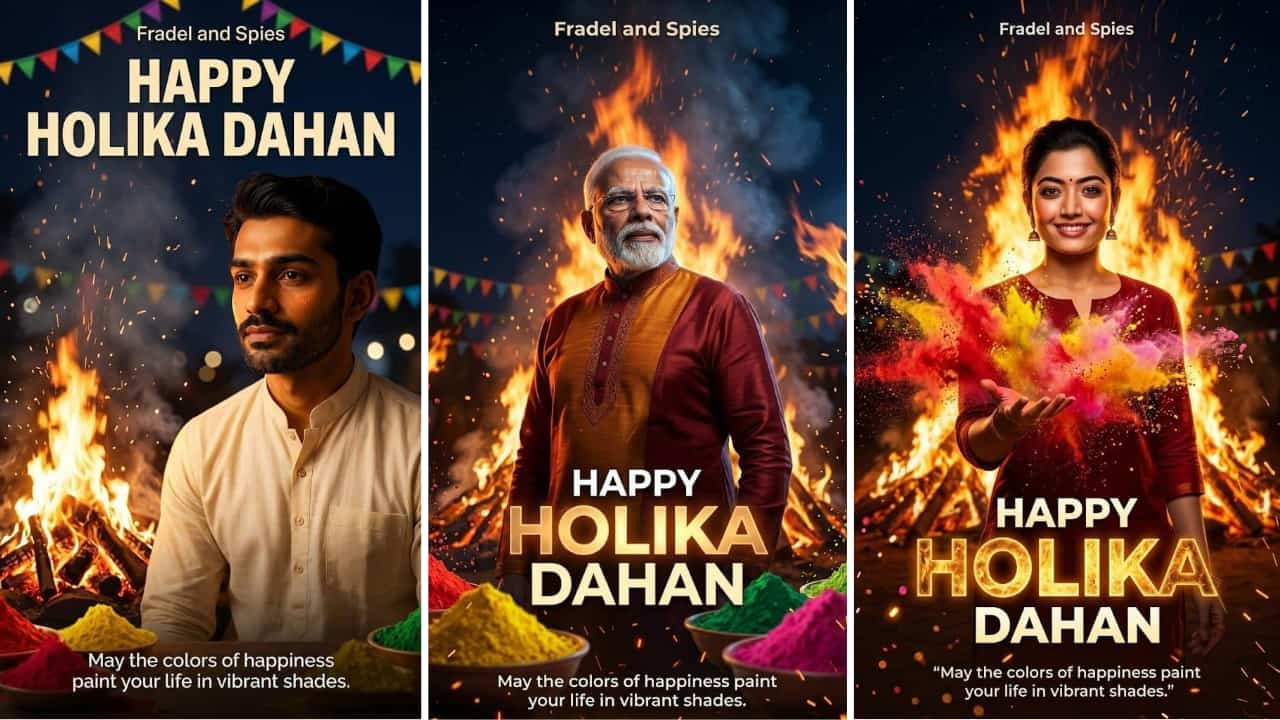
Holika Dahan AI prompt ka use karke aap Chhoti Holi/night bonfire vibe wali ultra‑realistic images generate kar sakte ho—jaise glowing embers, smoke, warm orange lighting, crowd silhouettes, traditional outfits (kurta/saree), aur “Happy Holika Dahan” text board. Holika Dahan ka core theme good over evil ka symbolism hai, jo bonfire ritual se represent hota hai—isi mood ko prompt me “cinematic warm light + festive crowd + sparks” jaise keywords se capture kiya jaata hai. Is blog me aapko copy‑paste prompts milenge: realistic Holika bonfire scene, name‑custom hoodie/t‑shirt prompts, family group photo prompts, couple pose prompts, aur festival poster style prompts. Saath hi, prompt customize kaise karein (age, outfit color, camera lens, background location, text style) aur common errors (blur face, extra fingers, wrong text spelling) ko kaise fix karein—ye sab simple tips ke saath diya gaya hai. Note: Holika Dahan date/time region ke hisaab se differ ho sakta hai, to final muhurat ke liye local panchang follow karein. Image Generator Steps (topc related keyword: “holika dahan ai prompt”) Step 1: Clear ane high-quality face photo select karo. Photo blur na hoy ane face proper visible hoy. Step 2: “Generate” button par click karo ane system ne image create karva do. Step 3: Image ready thai jai pachhi “Download” ke “Share” button par click karo ane generated image save karo.