Article Overview
In-depth analysis and key takeaways
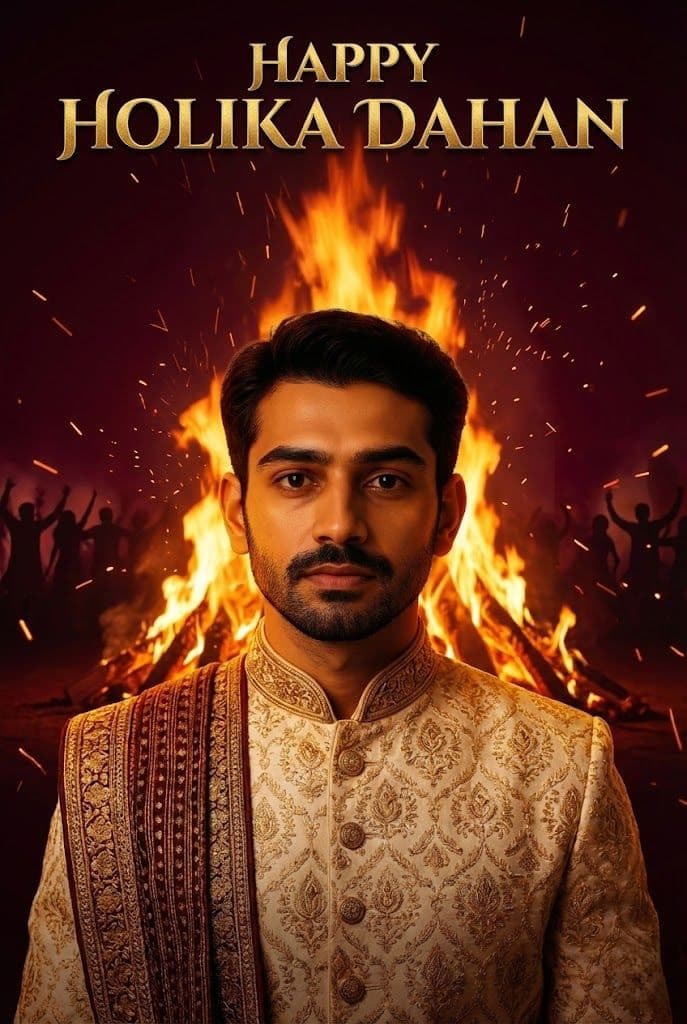
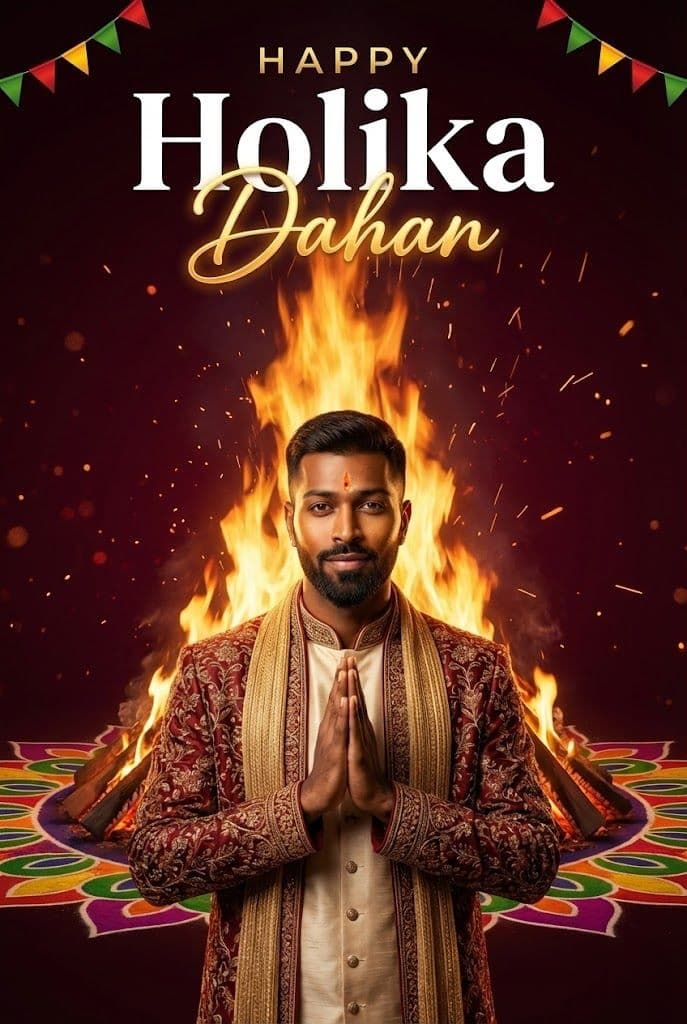
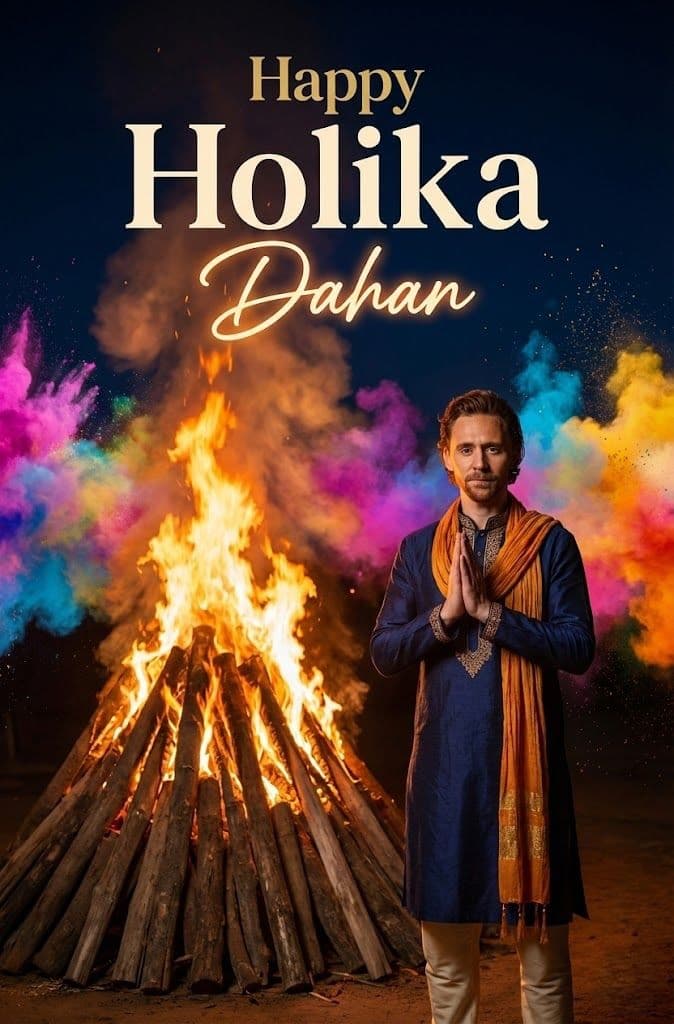
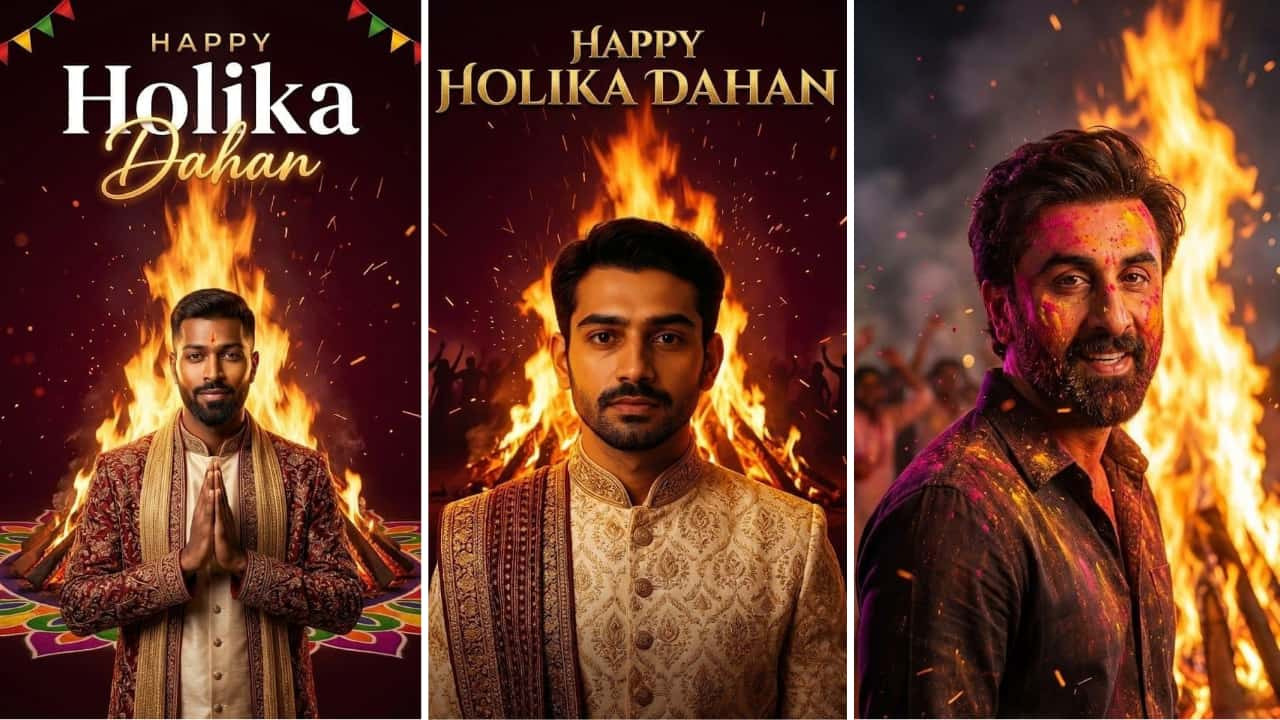
Create powerful Holika Dahan AI images with copy‑paste prompts that capture real festival vibes—bonfire, smoke, glowing embers, and devotional mood. Use these Holika Dahan AI prompts in Gemini, Midjourney, DALL·E, Bing, or Pixart to turn any normal photo into a cinematic night holika fire ai image. Add a large wooden pyre in the center, flying sparks, warm orange firelight on faces, and deep blue night sky to match real Holika Dahan celebrations. Include families circling the fire, kids throwing “old negativity” into the flames, and elders praying to symbolize victory of good over evil. You can try lines like: “Ultra realistic Holika Dahan bonfire at night, big flames, people walking around the fire, warm orange glow on faces, smoke in the air, Indian festival, 4K detail.” For devotional holika dahan AI prompt, add “bhakti mood, folded hands, traditional ethnic wear, temple bells in background, soft lens flare.” For holi bonfire cinematic prompt, use “slow‑motion sparks, dramatic backlight, lens flare, film still look.” Adjust style words like “3D render,” “photorealistic,” or “cinematic still frame” depending on your reel or poster need. These prompts answer real questions like how to get realistic fire, how to keep faces clear in low‑light, and how to put “Happy Holika Dahan” neon text behind the bonfire without ruining composition.