Article Overview
In-depth analysis and key takeaways
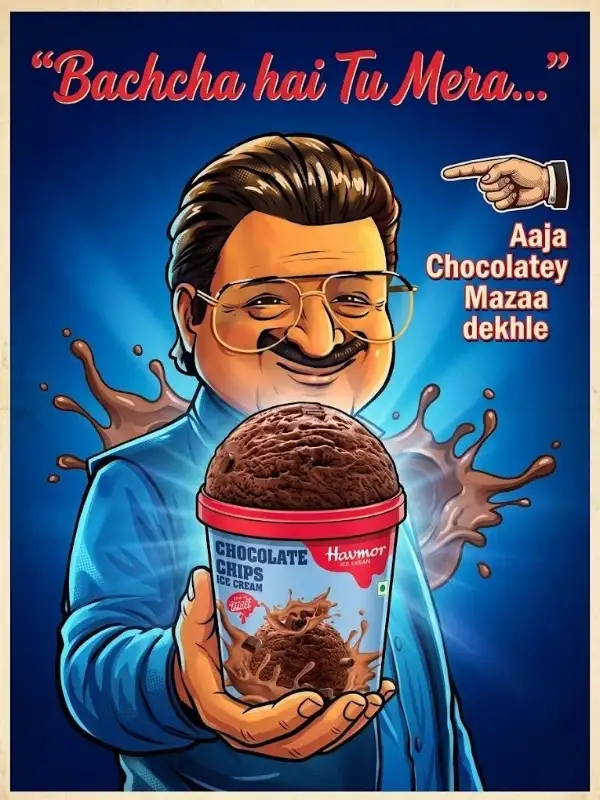
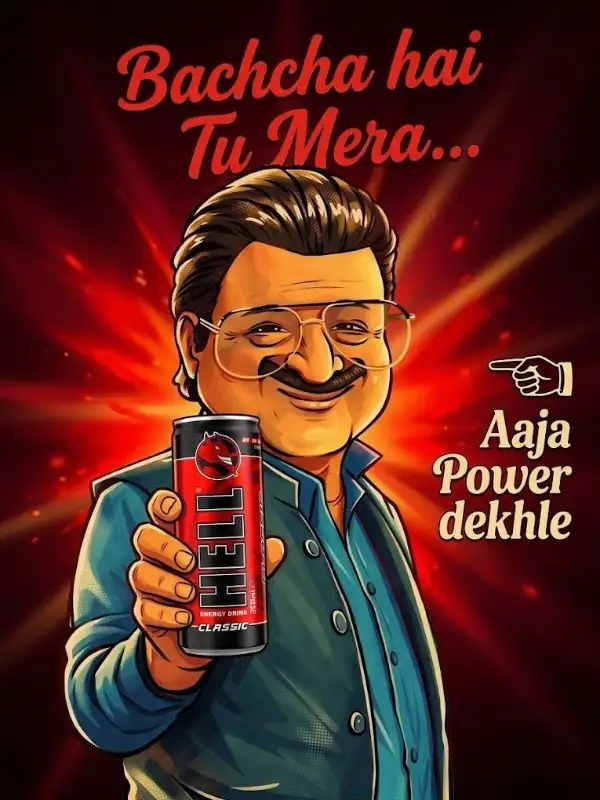
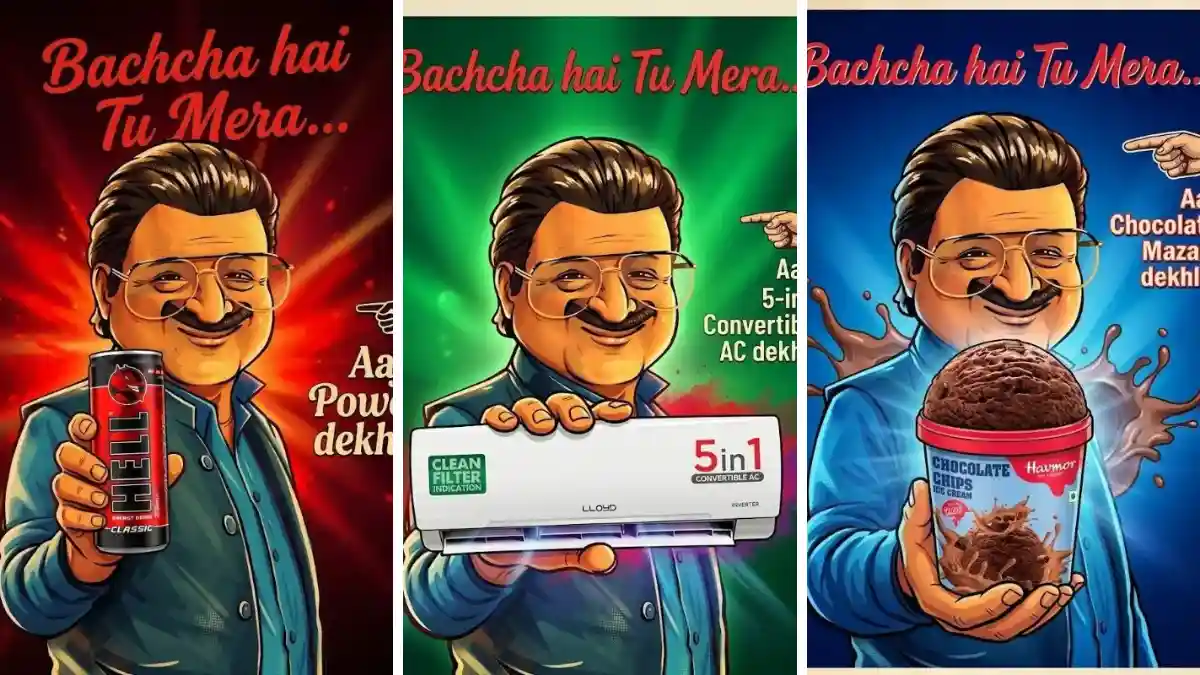
The trend “Bacha Hai Tu Mera” AI edits is going viral across Instagram and short-form content platforms. If you’ve seen those stylish, emotional, or funny AI-generated images with bold text and cinematic looks, you already know how powerful this trend is. Now the best part? You can create your own version using Gemini AI with the right prompt. In this blog, you’ll get a ready-to-use Bacha Hai Tu Mera AI prompt for Gemini, along with tips to make your image stand out and go viral. 🔥 What is “Bacha Hai Tu Mera” AI Trend? “Bacha Hai Tu Mera” is a dialogue-style emotional phrase that creators are using in AI-generated posters and edits. These images usually include: A strong facial expression Cinematic or dramatic background Bold typography Emotional or attitude-based vibe This trend is especially popular for: Instagram Reels covers WhatsApp DP Viral meme-style edits Personal branding posts 🤖 Why Use Gemini for AI Image Prompts? Gemini is becoming a powerful tool for generating creative AI outputs. When used correctly, it can help you create: Ultra-realistic images Artistic posters Viral social media content Customized edits based on your photo The key is using a well-structured prompt, which most users struggle with. That’s where this blog helps you. 🎯 Bacha Hai Tu Mera AI Prompt for Gemini Here is a high-converting, viral-ready prompt you can copy and use: Prompt: Create a cinematic AI poster of a confident young Indian man with stylish hair and a strong attitude expression. He is looking directly at the camera with intense eyes. The background is dramatic with warm tones, soft lighting, and a slightly blurred urban environment. Add bold handwritten typography at the top saying “Bacha Hai Tu Mera” in red color. The overall style should feel like a viral Instagram edit with high contrast, sharp details, and aesthetic color grading. The face should remain realistic and match the reference image perfectly. 🎨 Pro Tips to Make Your Image Viral If you want your AI image to actually trend (not just look good), follow these tips: 1. Use a Clear Face Photo Always upload a high-quality image. Blur or low-quality photos will reduce realism. 2. Focus on Expression Attitude, smile, or emotional expressions perform better than normal faces. 3. Add Cinematic Lighting Words like dramatic lighting, soft glow, cinematic shadows improve output quality. 4. Keep Background Simple but Stylish Urban, gradient, or blurred backgrounds work best for viral edits. 5. Use Bold Text Placement The phrase “Bacha Hai Tu Mera” should be clearly visible and stylish. 📱 Best Use Cases for This Prompt You can use this AI prompt for: Instagram Reels cover image WhatsApp profile photo (DP) YouTube Shorts thumbnail Personal branding content Viral meme creation Creators are getting high engagement because this trend connects emotionally and visually. 🚀 Image Generator Steps for “Bacha Hai Tu Mera AI Prompt for Gemini” Step 1: Clear and high-quality face photo select karo. Photo blur na hoy ane face proper visible hoy. Step 2: “Generate” button par click karo ane system ne image create karva do. Step 3: Image ready thai jai pachhi “Download” ke “Share” button par click karo ane generated image save karo.